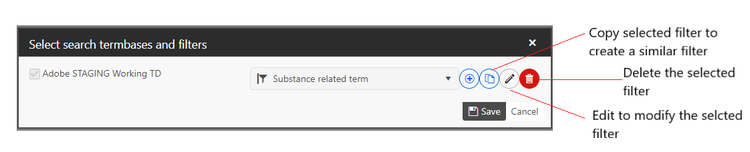
Creating filters
If enabled for your user group, you can create your own filters. You can either start from scratch or copy an existing filter.
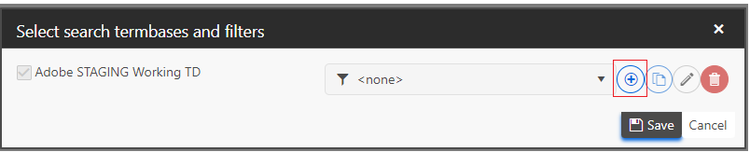
Clicking on the + icon opens the dialog box to create a custom filter.
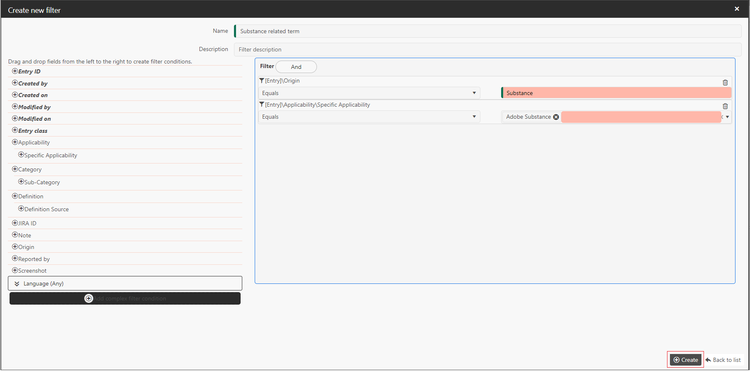
You can then select from the many available fields to create the necessary combination of conditions that will filter the data set you need. For example the below filter will show terms which have both originated from and are only applicable to the product 'Substance'.
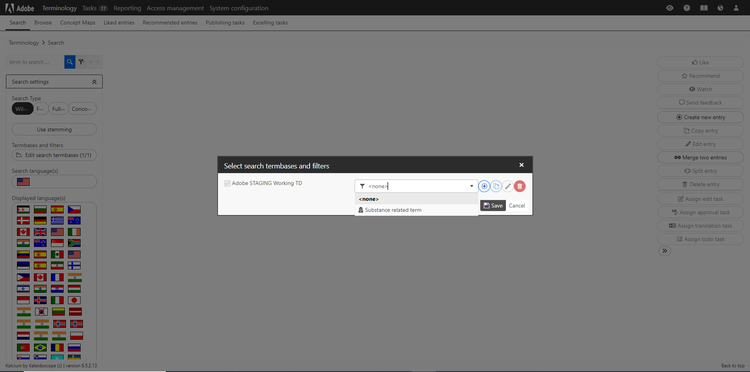
Once you're happy with the filter click Create and the newly created filter should show up in the dropdown for you to select:
Selecting the filter from the dropdown above will enable additional icons which allow you to further configure your filters: