Search modes
There are a total of 4 search modes available depending on user role
Wildcard
Enabled for: Everyone
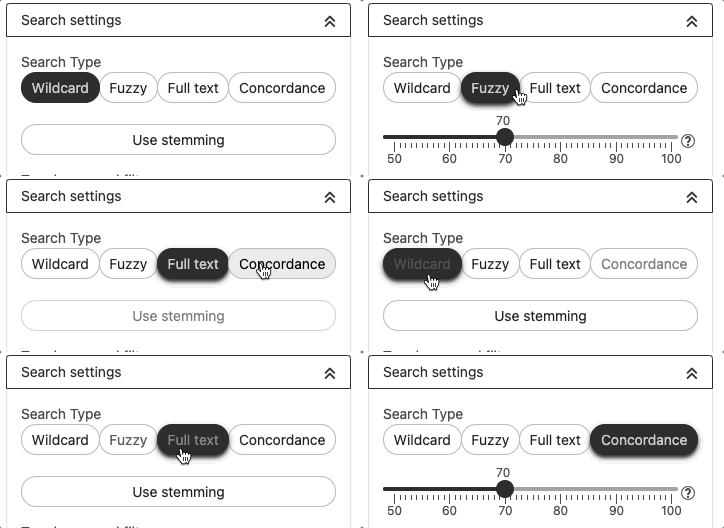
This search mode searches for terms that match the search expression (taking into account the wildcards used).
The following wildcards are supported:
- "*" The asterisk stands for 0-n characters
- "?" The question mark represents exactly one character in the search expression
Fuzzy
Enabled for: Everyone
This search mode searches for terms that are either identical or similar to the search expression. This will also find terms if the search expression is misspelled or incomplete. The search expression must be at least three characters long.
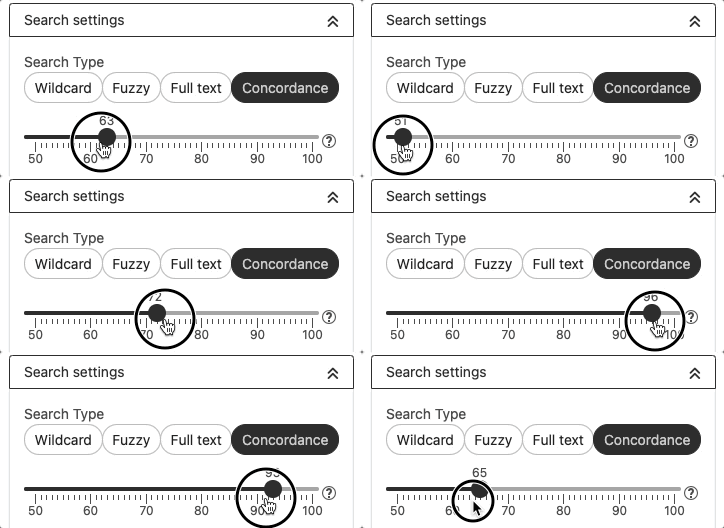
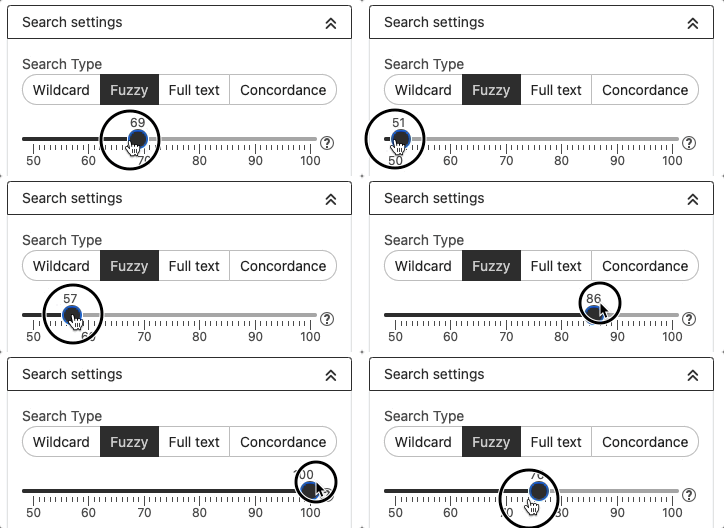
The 'Similarity rate' setting determines how similar the found terms must be to the search expression in order to be listed in the hit list. The higher its value is, the more similar the expression to the term. 100% means it is an exact hit.
Full text
Enabled for: Everyone except Translators
This search mode searches across all text fields within the termbase for the search expression. The search expression must exactly match the searched word, there is no fuzzy search.
If several words are used in the search expression, each word is used individually as a search expression and all entries which contain at least one of the words are displayed. To search for the exact search term, encase the words in double quotation marks (e.g., "this is a test").
Concordance
Enabled for: Everyone except End users
This search mode searches for terms that are identical to the search expression or have a similar form. Unlike fuzzy search, concordance search compares each word of the search expression with each word of the term.
The "Similarity rate" setting determines how similar a word in the term has to be to a word in the search expression in order to be listed in the hit list.