Multi-entry view
Want to view & compare multiple entries at the same time? No problem you can do this super simply.
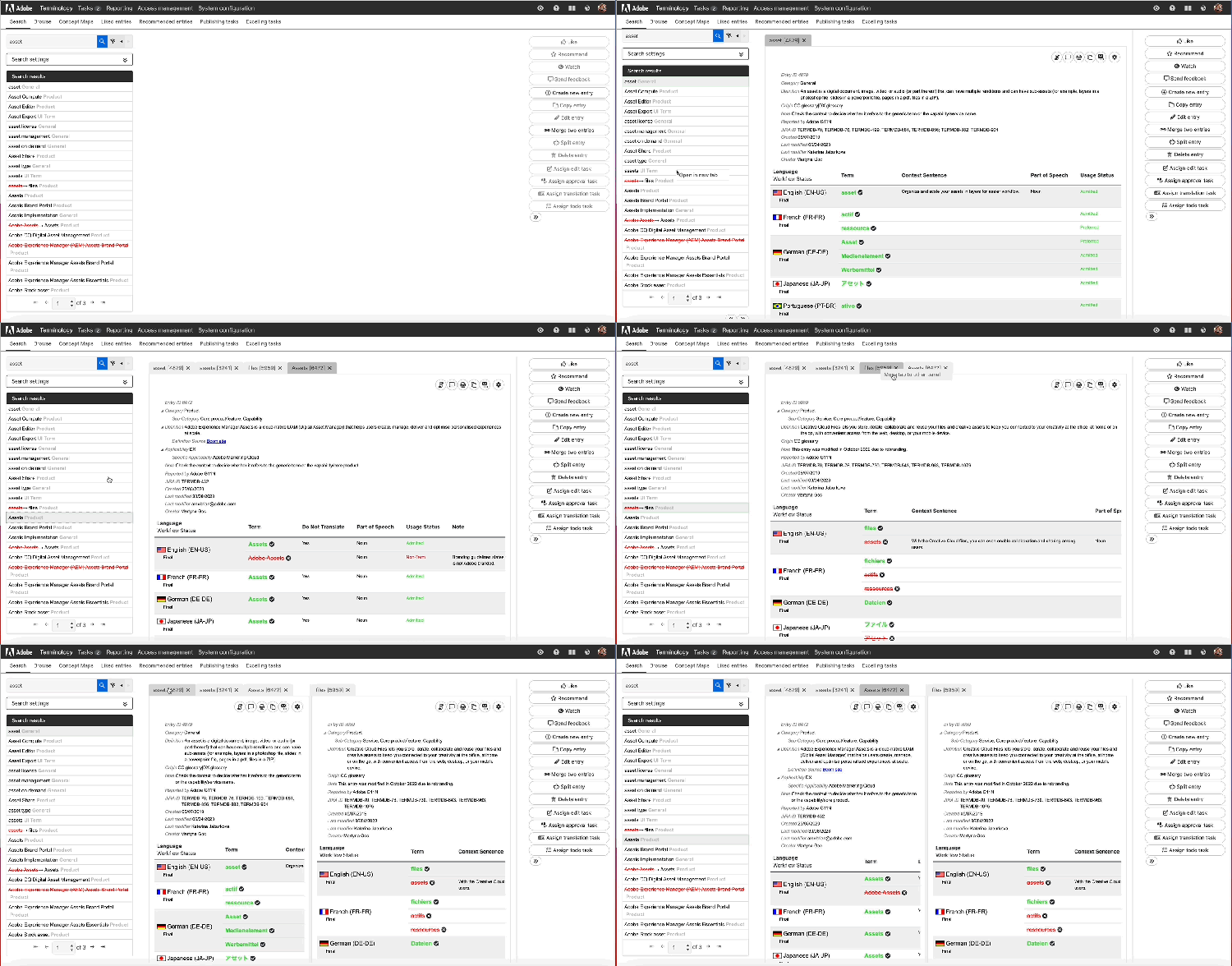
Search for the terms you want to view and from the hitlist right-click the terms you want to view and click Open in new tab. This will open the entries in different tabs which you can then toggle across.
Then from those tabs you can move the entries into an additional panel by right-clicking the tab and selecting Move to other panel.
If you need to search to add further terms you can search for them and the selected tabs will be updated with a newly searched term. As long as at least two tabs are already open the existing open tabs will not close.
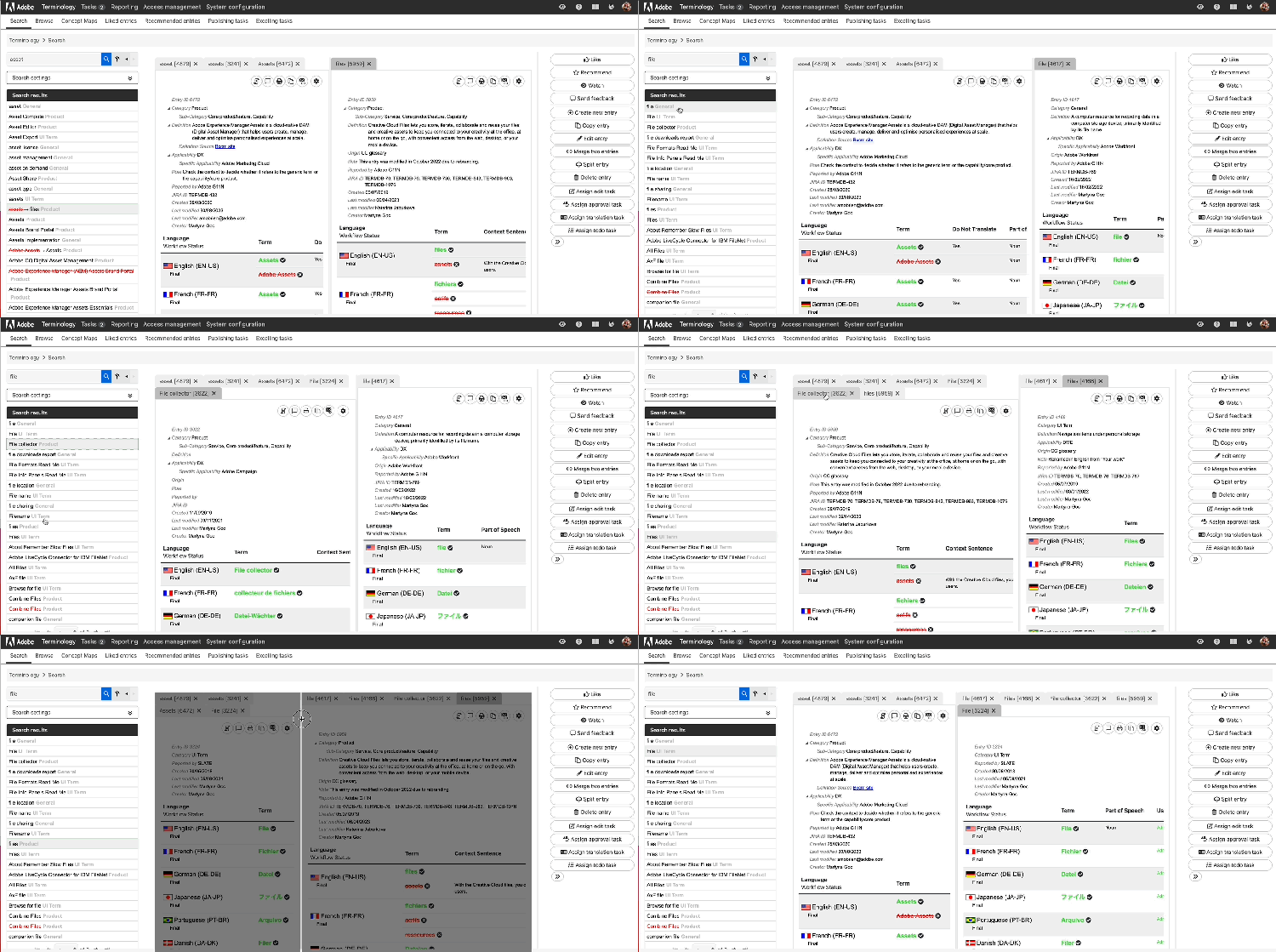
If you've got two panels open, all new terms opened in tab will be opened in the left panel but they can still be moved over to the right panel.